CLANKRCLANKR
Order now
Human demonstration data

Human demonstrations for robot learning.

Real manipulation tasks recorded from four synchronized views. Each episode is labelled, segmented and aligned on one timeline.

Sample episodeBimanual garment handling
Head cam 0Head cam 1Gripper cam LGripper cam R
00:0000:0200:0400:0600:08
TaskBimanual garment handling
StepAlign the shirt using both grippers
01Capture

Four views of every moment.

A person performs the task wearing a stereo head camera and holding two UMI-style grippers, each with its own camera.

  1. 01

    Four synchronized views

    Stereo egocentric head cameras plus a camera on each gripper. Every moment is recorded from all four at once.

  2. 02

    Bimanual, not tied to one robot

    Demonstrations use handheld UMI-style grippers. Motion is captured in end-effector space, so the data is not tied to a specific robot.

  3. 03

    Real environments

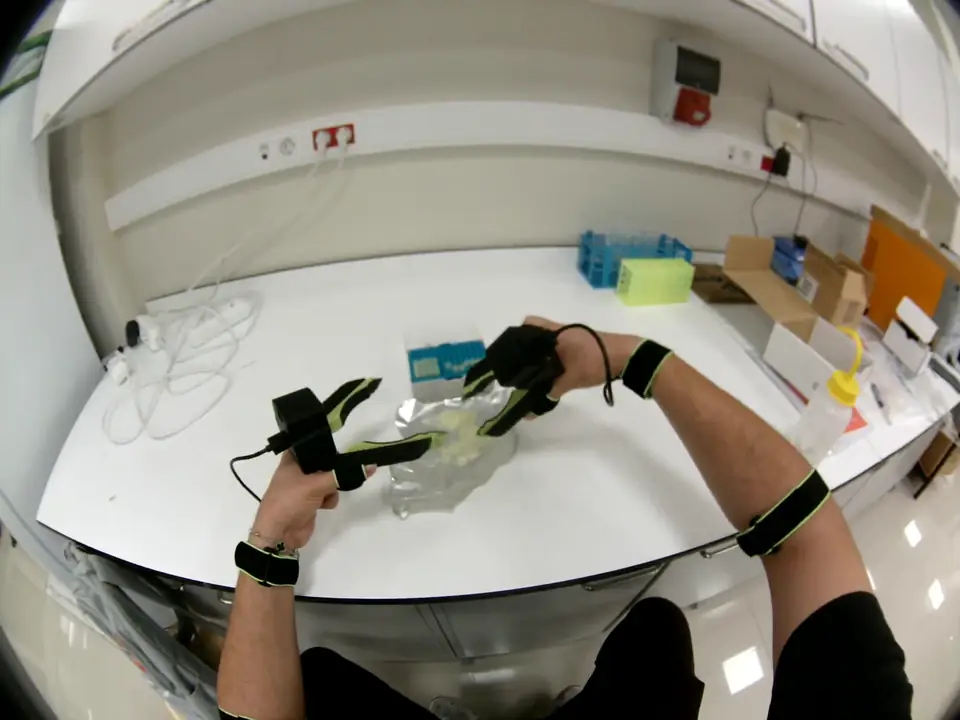
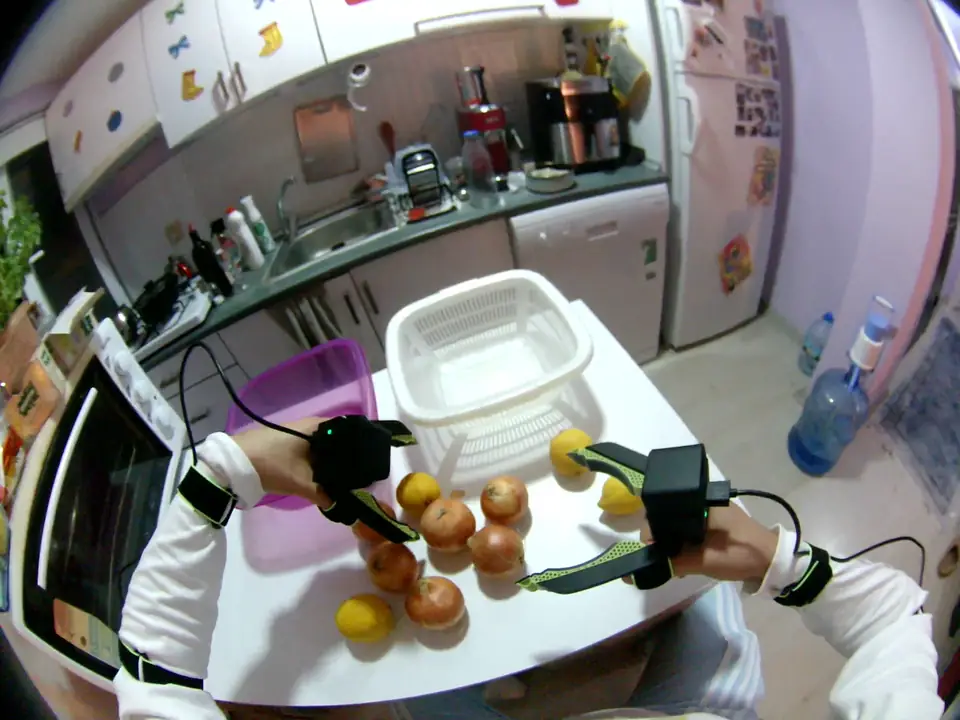
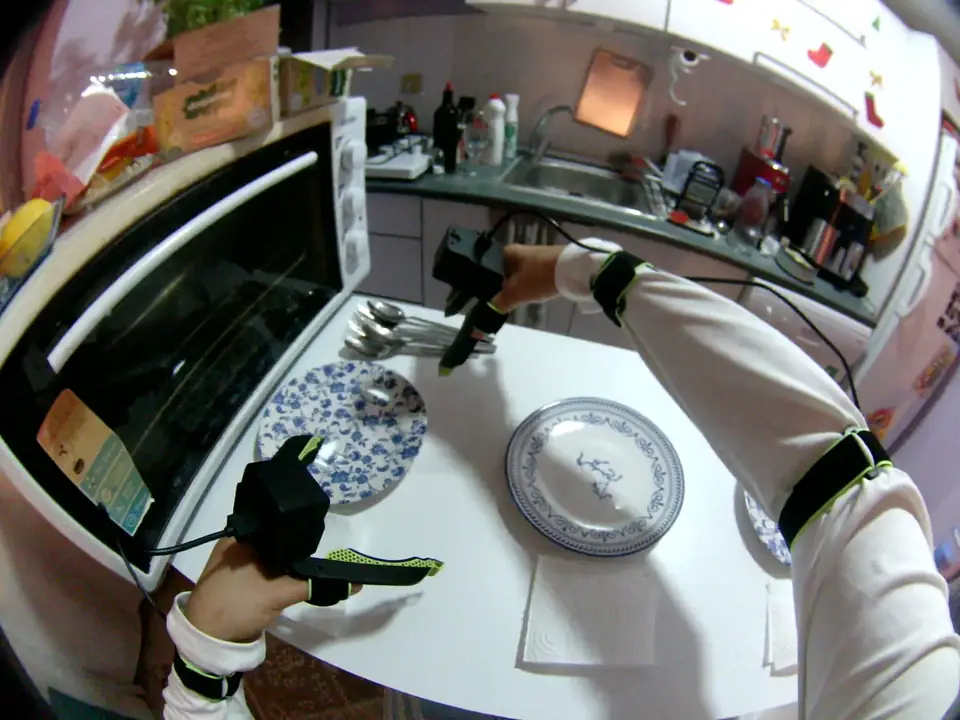
    Lab benches, kitchens and homes. Real workspaces, not staged sets.

WORKSPACEGRIPPER LGRIPPER RHEAD · STEREO PAIR
CameraEnd-effector framexyz
Cameras
4 streams
Video
~30 Hz
Also recorded
Gripper angle, IMU
Captured in
End-effector space
02Structure

One episode. Every layer on one clock.

Observations, sensor records and annotations are aligned in time. Below are six seconds of a real garment-handling episode, lane by lane.


Episode · Bimanual garment handling6 s excerpt · 1 frame per second shown
Time
0s1s2s3s4s5s6s
Head cam 0
Six frames from head camera 0, one per second, showing both grippers over a grey shirt
Head cam 1
Six frames from head camera 1, the second camera of the stereo pair, at the same moments
Gripper cam L
Six frames from the left gripper camera looking across the shirt between its jaws
Gripper cam R
Six frames from the right gripper camera as it lifts and aligns the edge of the shirt
Gripper pose
Six frames with the derived gripper pose drawn as three coloured axes on the gripper
Raw recording
MCAP · original
Task label
Bimanual garment handling
Step
Align the shirt using both grippersExample step
  • Video
  • Motion
  • Annotation
  • Sensor record

Frames shown at one-second intervals from ~30 Hz recordings. Pose is derived in postprocessing and included where available.

03Data types

What every episode contains.

Six data types across four layers, delivered together for each episode.

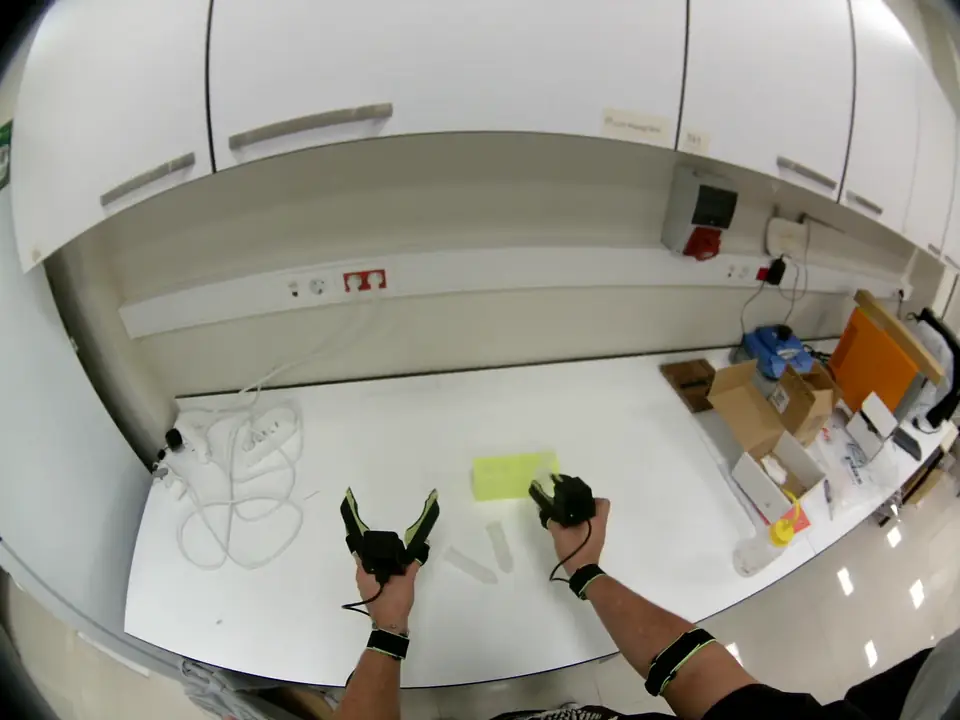
Head-camera view of a white lab bench with both grippers handling tubes next to a rack
Video

Egocentric video

First-person stereo footage from two head-mounted cameras.

MP4
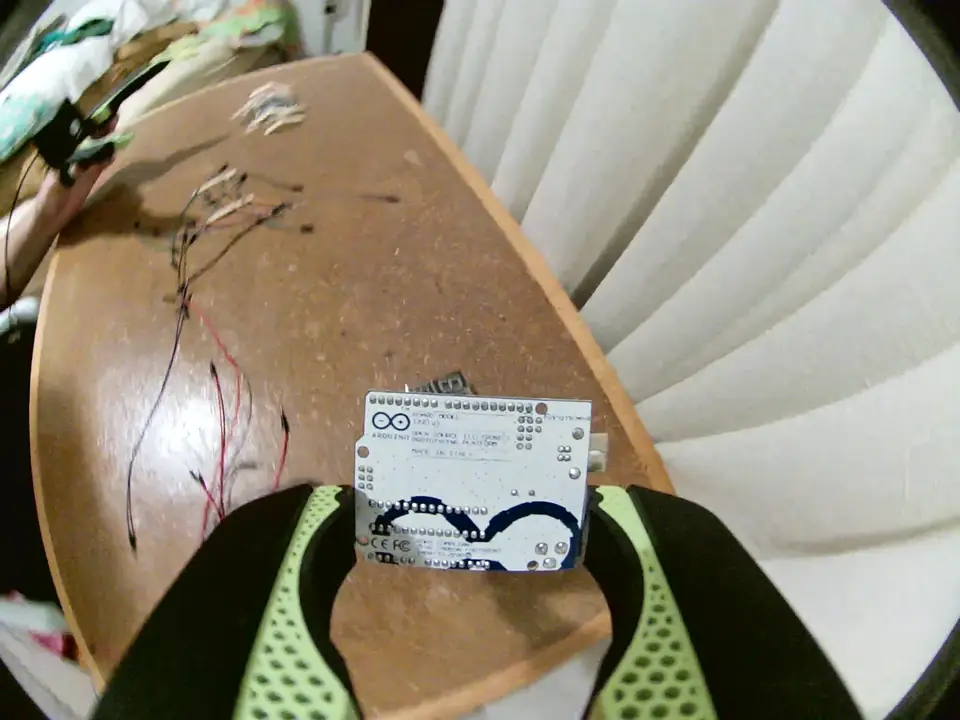
Gripper-camera close-up of a microcontroller board held between the gripper jaws above a desk
Video

Gripper camera video

Close-up views from cameras mounted on the left and right gripper.

MP4
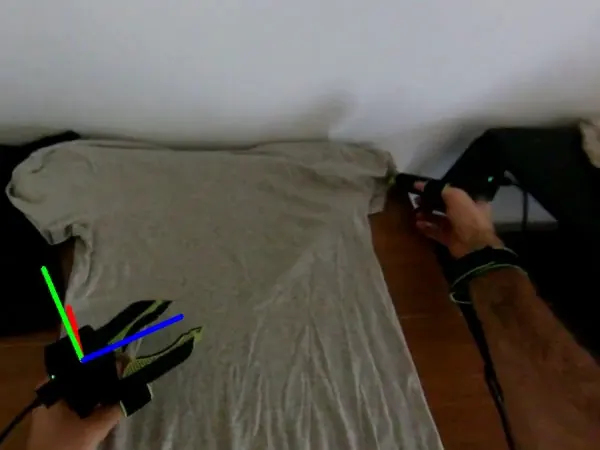
Derived pose axes drawn on the left gripper while it aligns a grey shirt
Motion

Gripper pose

Gripper position and orientation over time, derived in postprocessing. Included where available.

Postprocessed
TaskLaboratory handling
ReachGraspPlace
StartEnd
Annotations

Task and subtask labels

Each episode is labelled with its task. Steps such as reach, grasp and place are segmented on the timeline.

JSON
Instruction
“Place the test tube in the rack.”
Annotations

Language instructions

A short natural-language instruction for each episode.

JSON
Cameras ×4
IMU
Gripper angle
Raw · MCAP
Sensor records

Raw recordings

The original MCAP recordings, kept alongside the processed data.

MCAP
04Task categories

Six task families, recorded in real workspaces.

Each family has a representative sample episode. New collection is scoped around your objects and environments.

01 · LabHead camTask · Laboratory handling

Laboratory handling

Placing tubes into a rack at a lab bench.

02 · LabHead camTask · Fine manipulation

Fine manipulation

Pipette tips, packets and racks handled with both grippers.

03 · KitchenHead camTask · Produce sorting

Produce sorting

Sorting produce into containers on a kitchen table.

04 · KitchenHead camTask · Table setting

Table setting

Picking up and placing plates and cutlery.

05 · HomeGripper camTask · Electronics organization

Electronics organization

Arranging boards, wires and small components.

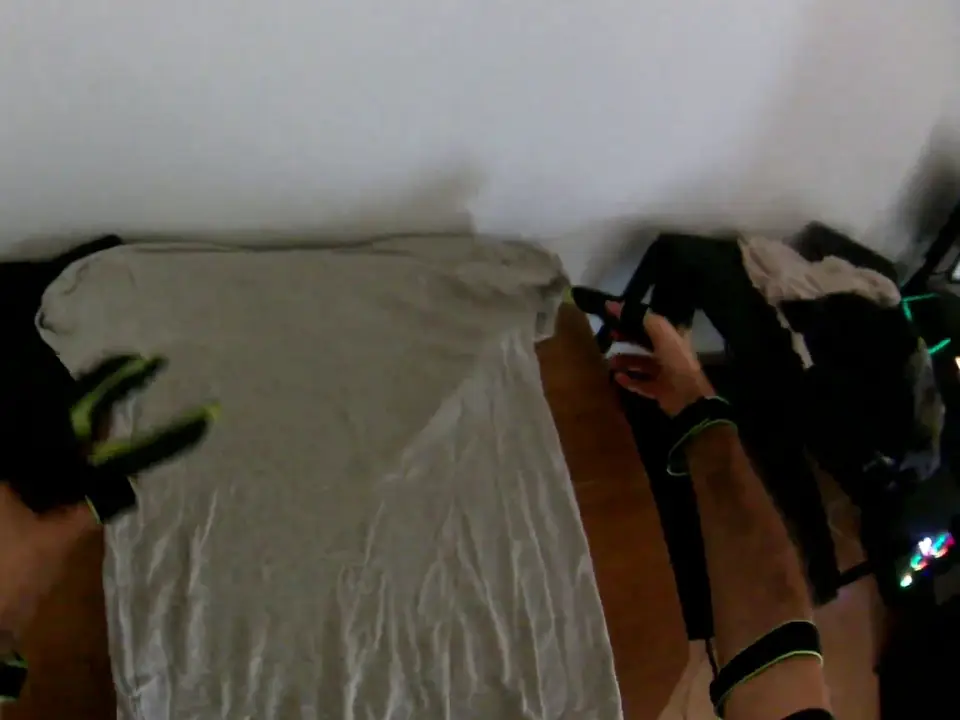
06 · HomeHead camTask · Bimanual garment handling

Bimanual garment handling

Unfolding, aligning and folding a shirt with both grippers.

05Buying

Start with one episode.

Inspect a representative sample first. Then we scope the collection around your objects, environments and learning pipeline.

  1. 01

    Request a sample

    Tell us the task you care about. We send a representative episode.

  2. 02

    Inspect the episode

    Review the views, fields and delivery structure in your own tools.

  3. 03

    Scope the collection

    Agree on objects, environments, variations and the format your learning pipeline reads.

Request a sample episode
Delivery formatsReady to use
MCAP
Original recordings
MP4
Camera streams
JSON
Labels, instructions, metadata
LeRobot v3.0
Dataset export, load-tested
HDF5
Array-based export

Exports carry recorded observations and annotations. Mapping to robot-control actions is scoped per project.

What should your robot learn next?

Request a sample episode and tell us about the task. We scope the collection from there.

Request a sample episode